Detailed instruction
Prompts are easier to execute precisely
Describe the subject, composition, lighting, material, and use case so the model can generate around a complete creative goal.
AI Image Generator
Enter a prompt, adjust ratio, resolution, and quality, then create your image.
Keep the prompt, output settings, and results in one focused studio for publishable image creation.
What is GPT Image 2
GPT Image 2 supports text-to-image creation and practical image workflows. It can follow detailed descriptions of subject, scene, style, aspect ratio, and intended use to create visuals for content, marketing, ecommerce, and design reference.
In Pictor AI, your prompt, aspect ratio, resolution, quality, and results stay in one focused workspace so you can move from idea to usable image with fewer tool switches.
Why use GPT Image 2
Detailed instruction
Describe the subject, composition, lighting, material, and use case so the model can generate around a complete creative goal.
Flexible formats
Use common aspect ratios, 1k to 4k resolution, and multiple quality modes to match the publishing channel.
Creative workflow
Results are saved to your creative space, making it easier to review history, download images, and manage future assets.
Examples
These examples show common creative directions for GPT Image 2. Start from a similar prompt, then adapt it to your brand, product, or content context.
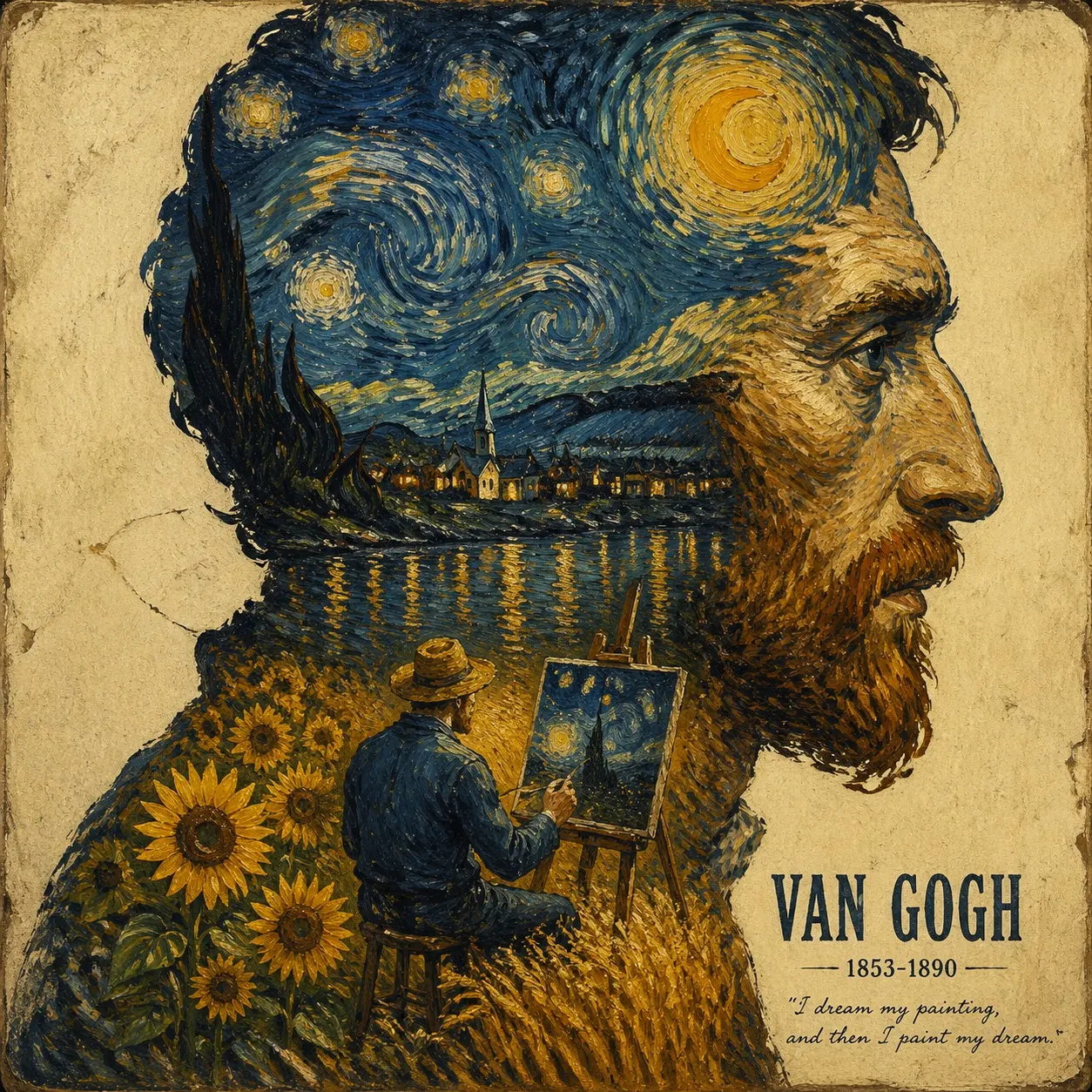
Useful for avatars, personal branding, character direction, and stylized visual exploration.
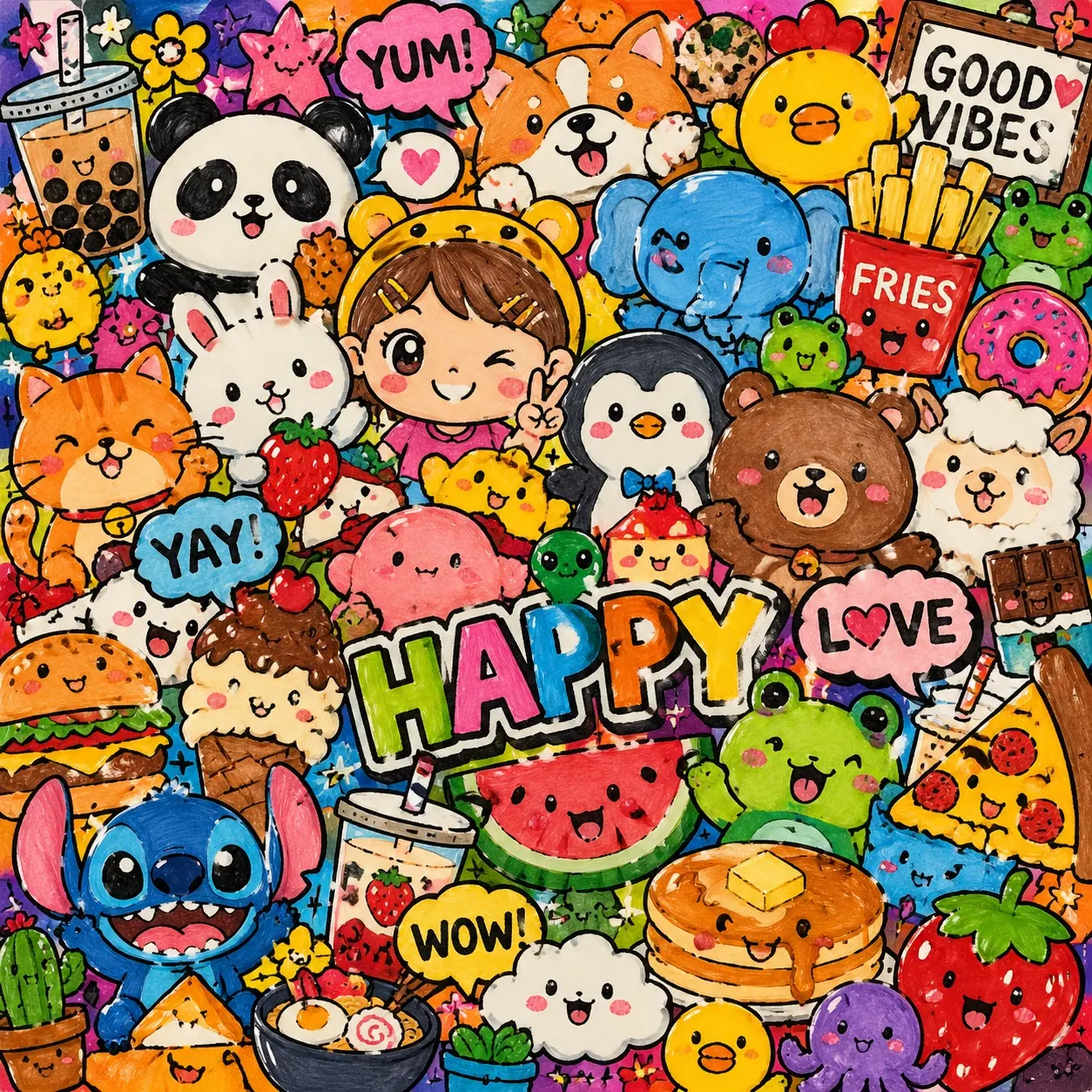
Good for social posts, playful posters, sticker-like visuals, and content covers.
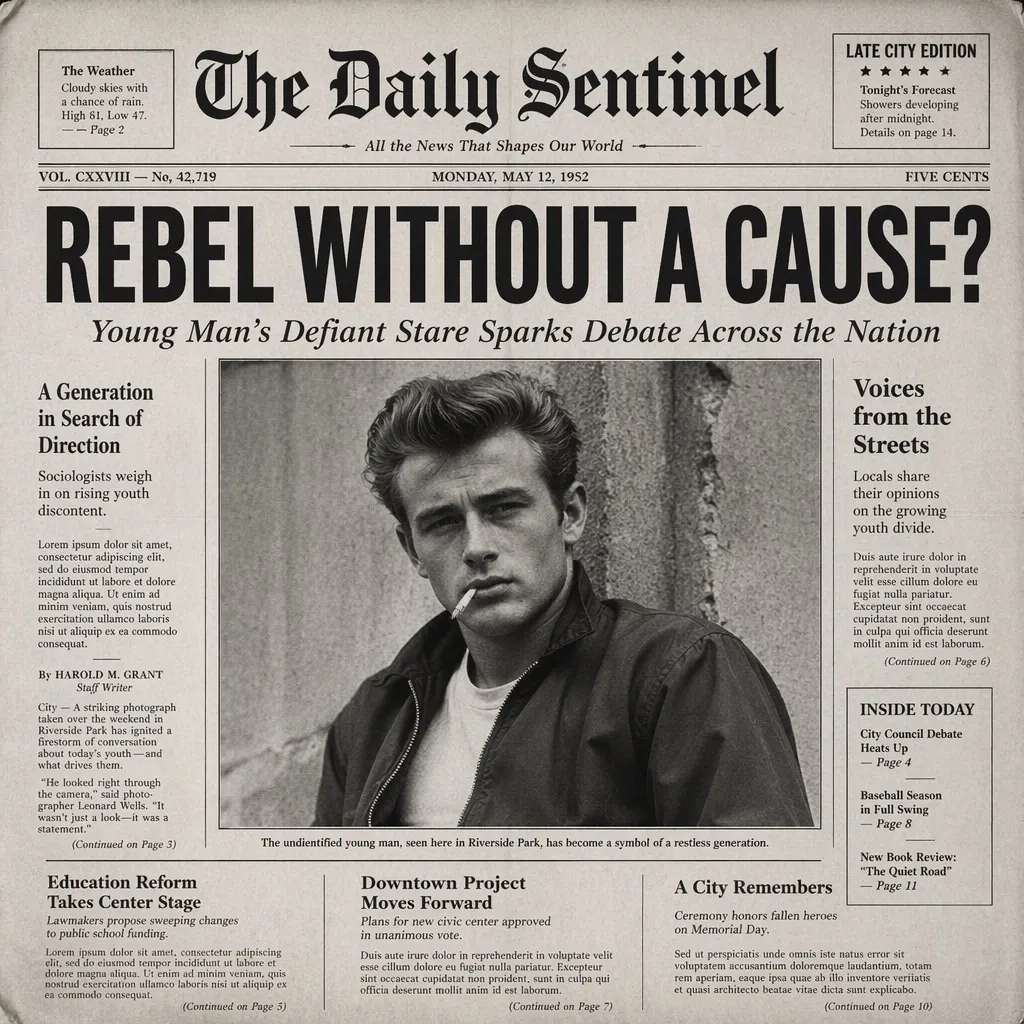
Works for newspaper styles, campaign key visuals, narrative posters, and dense creative layouts.
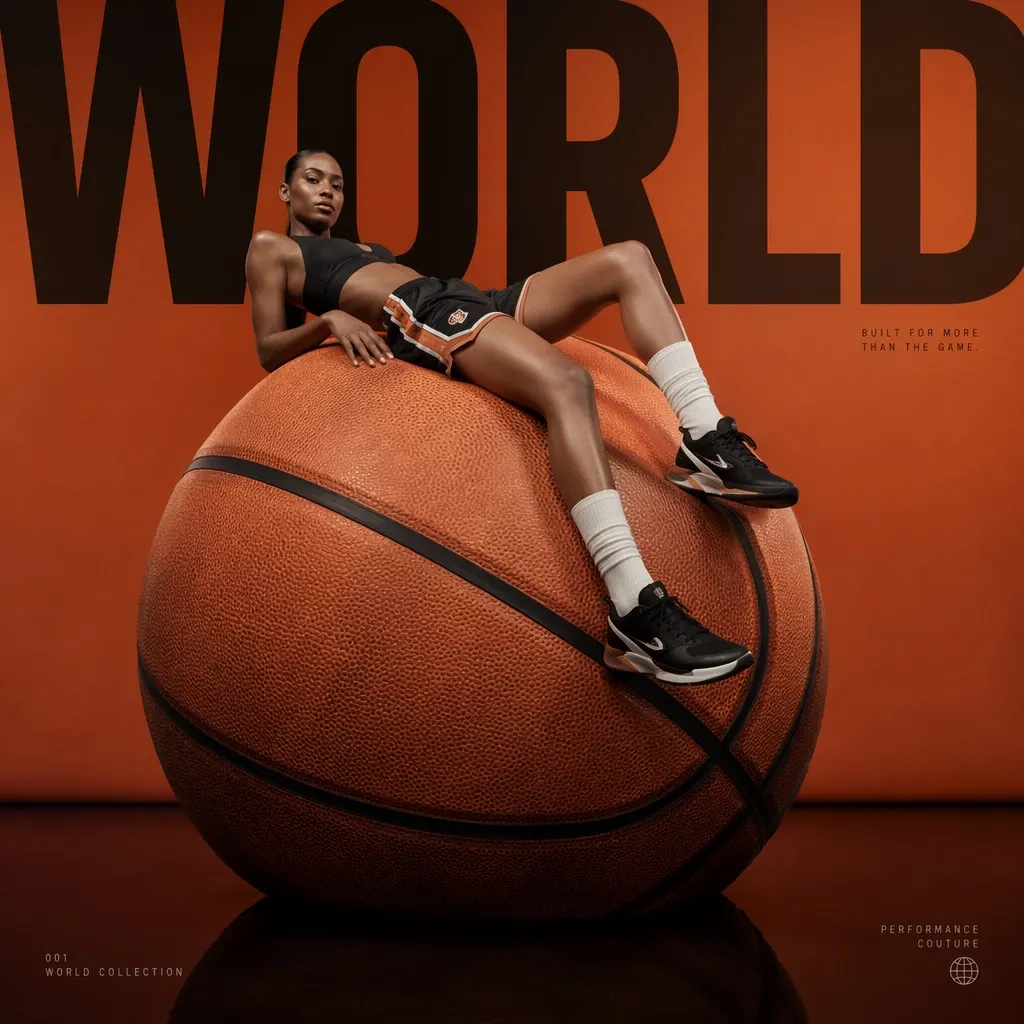
Useful for product promotion, sports fashion, brand campaigns, and commercial visual directions.
Before generating, learn how the model works, how to write prompts, and when to use higher settings.
It works well for portraits, product images, posters, social covers, concept art, illustrations, ads, and design references. Clear subject, scene, and use-case details help stabilize results.
Pro includes a commercial usage license and no-watermark downloads. Free users can download generated or edited images, but downloads include a watermark.
Include the subject, scene, composition, style, lighting, colors, aspect ratio, and intended use. For example, specify whether it is a product poster, avatar, ad, or social cover.
Use 1k and fast quality for quick drafts. For published content, ads, or detail-heavy assets, use 2k, 4k, and higher quality modes.